Woodstock Desktop Wallpaper
Click on thumbnail to see full size in a new window.
Right click the full size image to save to your computer.
*Instructions to save and use as Desktop Wallpaper*
1. First choose your screen resolution
(right click on desktop and choose "properties"
then the "settings" tab at top)
to find your screen resolution.
2. Next click on the thumbnail image you want,
and it will open in a new window full size,
then right click the full size image
and choose "save as" to save to your computer.
3. You can create a folder to save the wallpaper into
or save it into your "windows" folder,
when you right click on your desktop
and choose "properties" then the "desktop" tab
it will be already be there in the list.
If you make a folder to save to, you would click on browse
then navigate to the folder where you saved it.
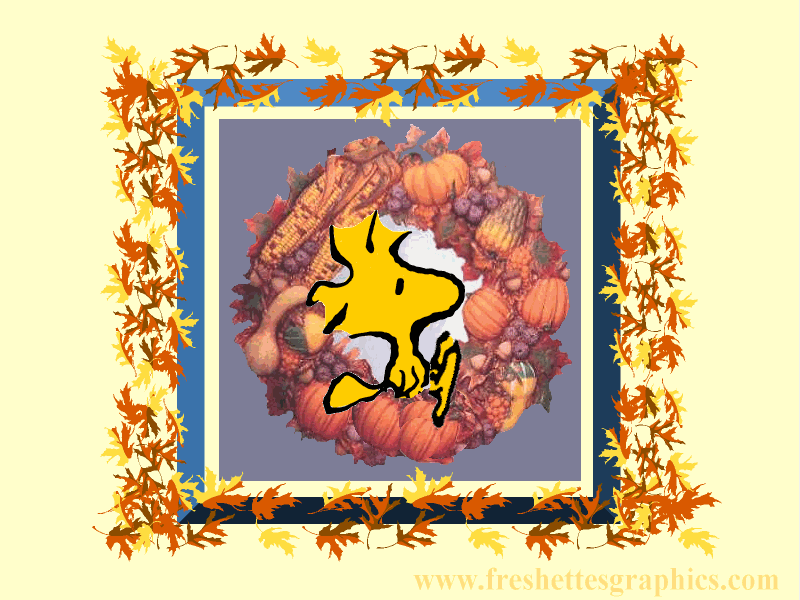
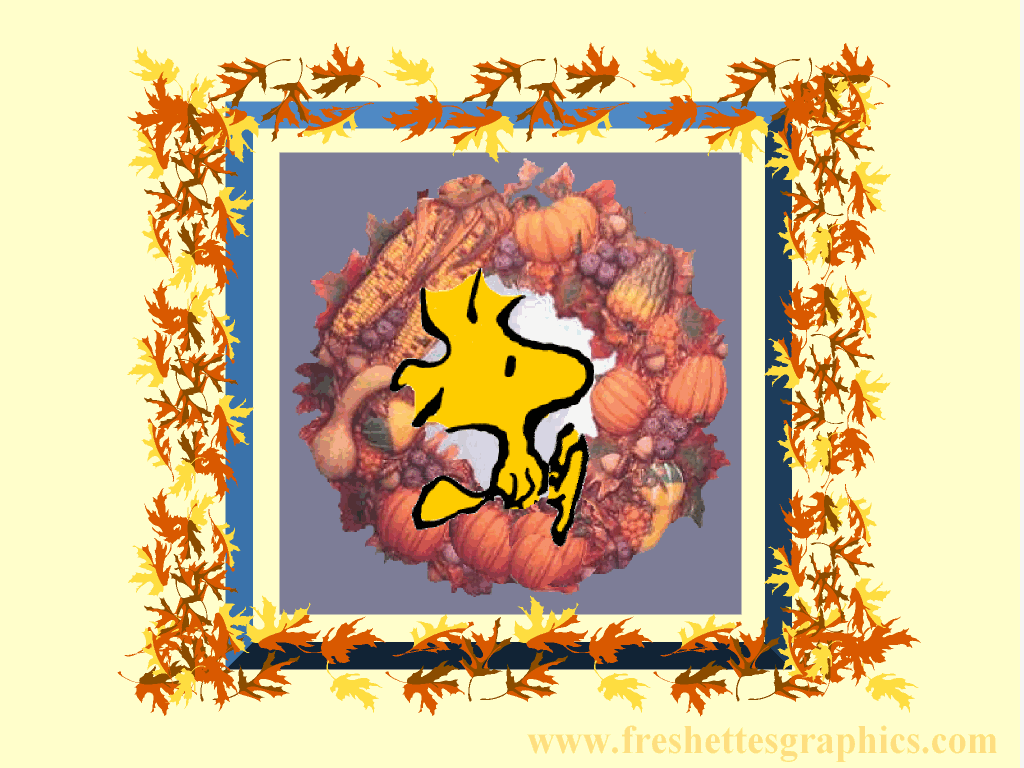
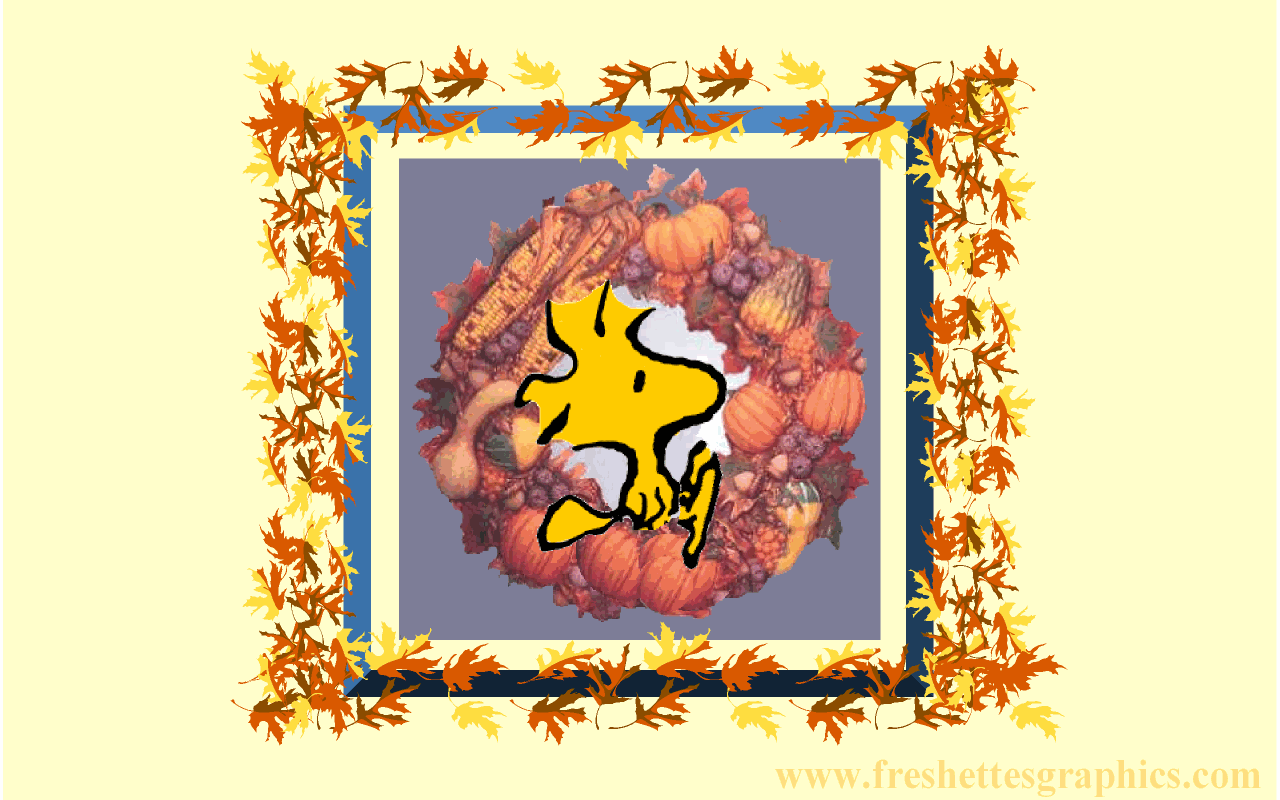
Woodstock Autumn Wallpaper

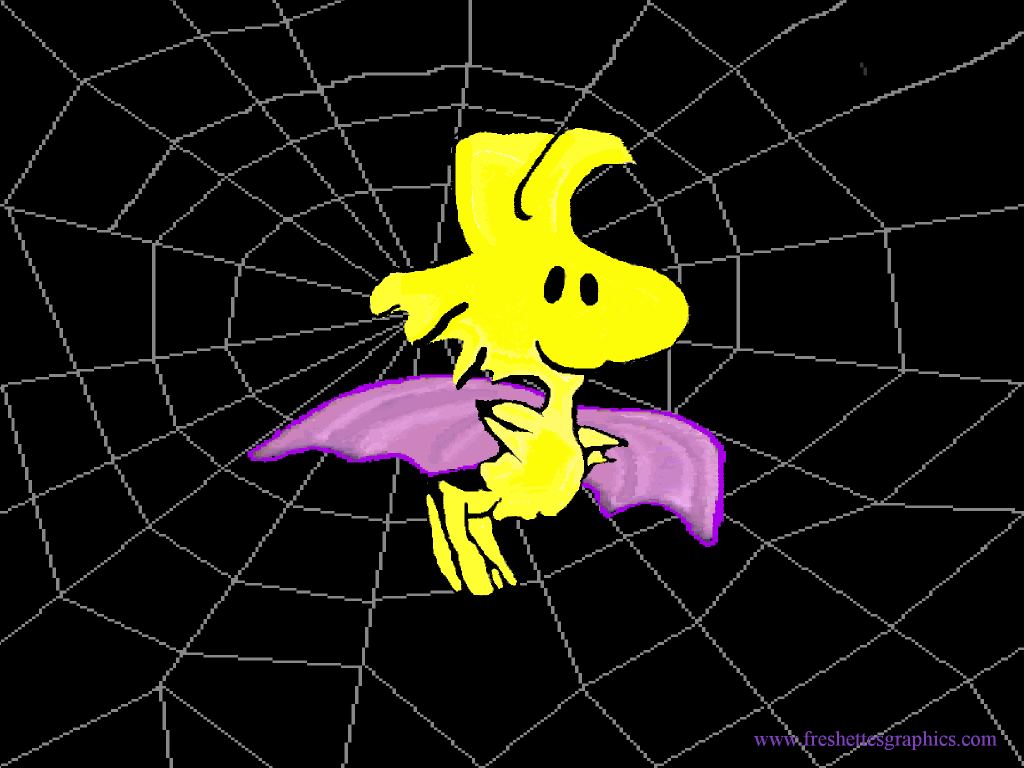
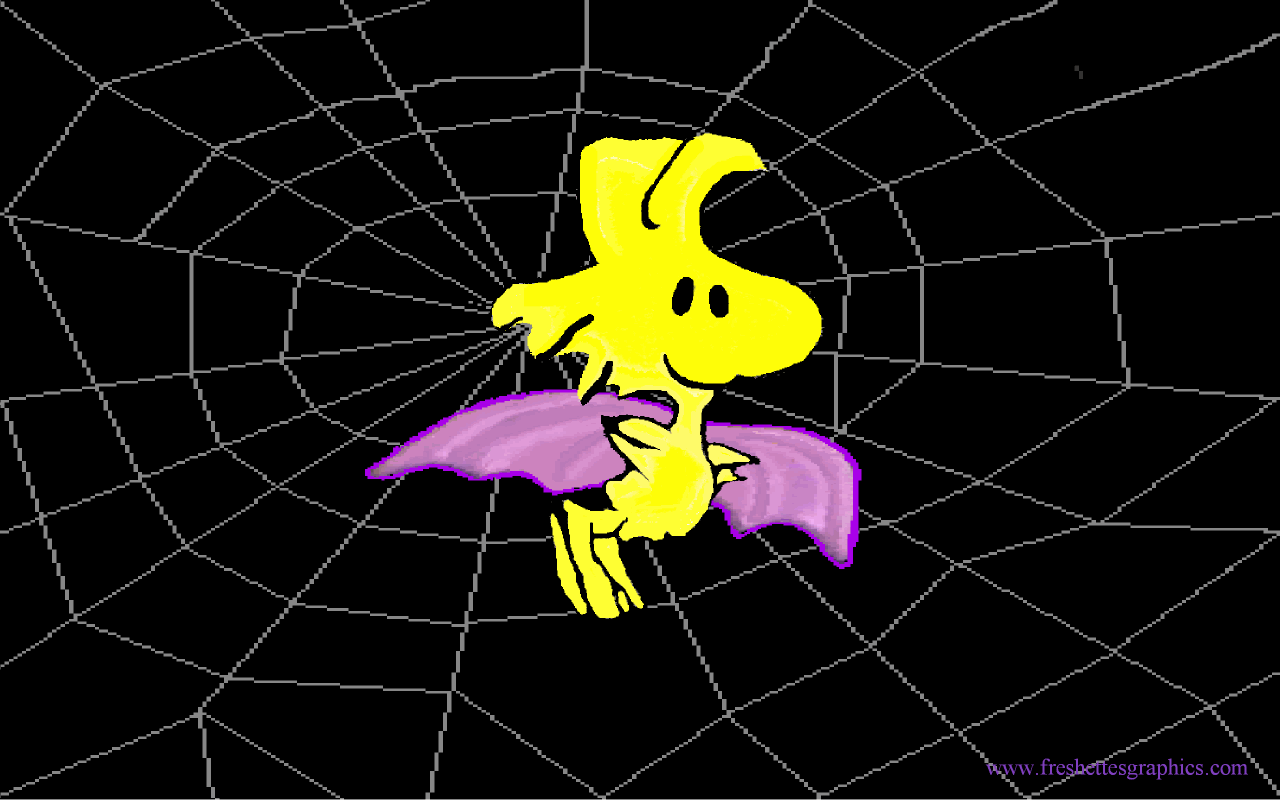
Woodstock Halloween Wallpaper

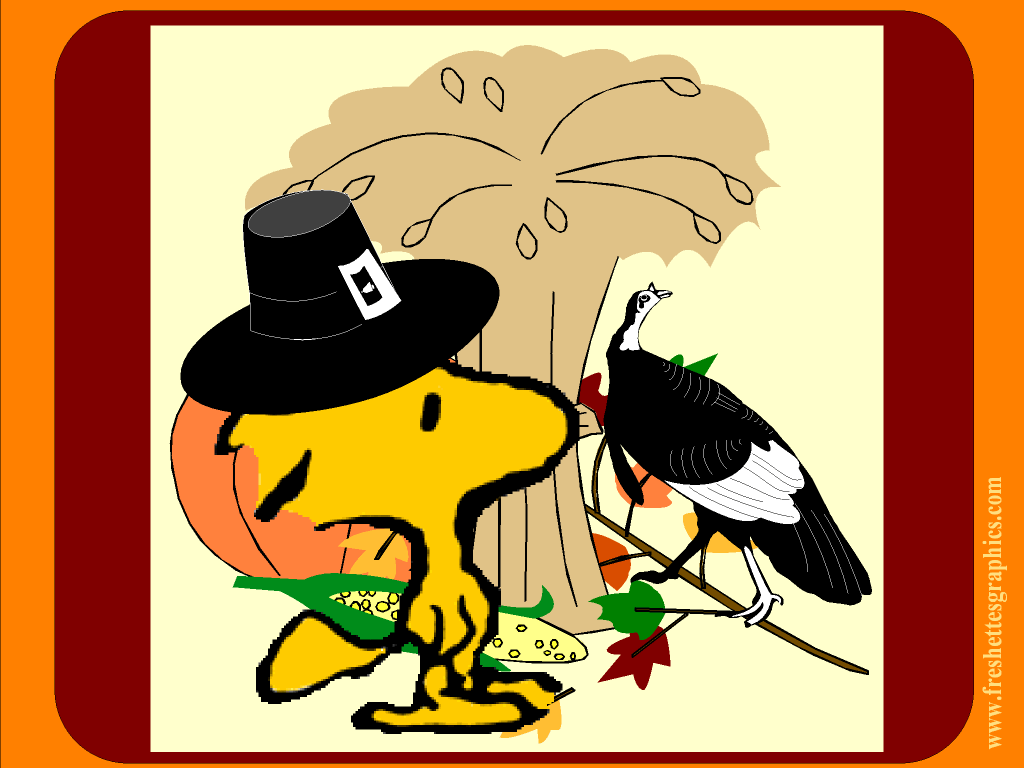
Woodstock Thanksgiving Wallpaper



Woodstock Christmas Wallpaper



Woodstock Valentine's Wallpaper



Woodstock St. Patrick's Wallpaper
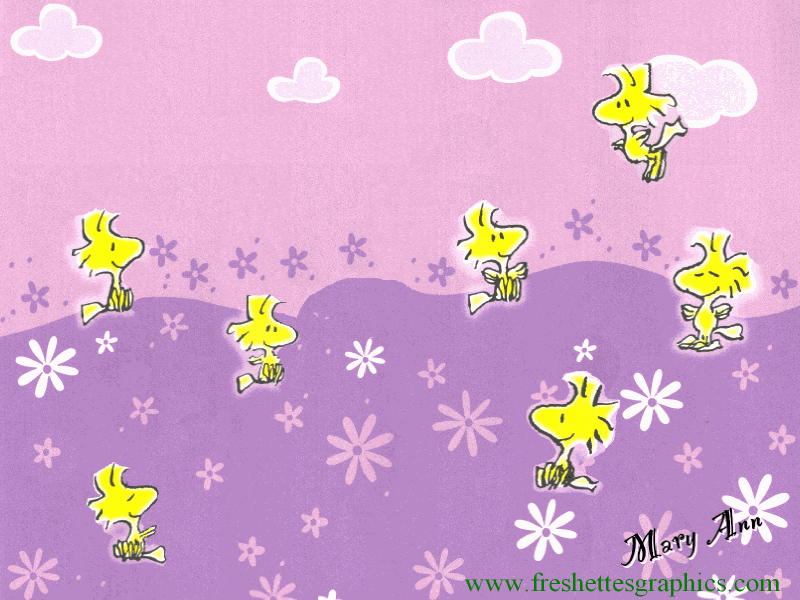


Woodstock Spring Wallpaper


Woodstock Easter Wallpaper
See Terms of Use

All credit for Woodstock goes to CHARLES M.SHULTZ,
the creator of "SNOOPY" & "THE PEANUTS GANG"
and to United Feature Syndicate(UFS)
I am in no way claiming credit, nor am I affiliated with UFS.
I will sadly remove these images upon request.

freshettesgraphics.com™
All Rights Reserved